Product manual
Every screen, feature and setting explained in order. Read it end to end.
Open the manual
Multi-device mirroring wall, reverse control, group control and batch operations. Runs entirely on your LAN, no cloud.
These links always point to the current release — no need to look up a version number.
Earlier versions and per-release notes are on the release history page. Once installed, start with the quick start.
VMOS Cast is a phone control client that runs on your computer. It gathers the screens of Android phones (physical or cloud) plus iPhone and iPad on your local network into one device wall, then lets you drive them with your mouse and keyboard — one device precisely, or many at the same time.
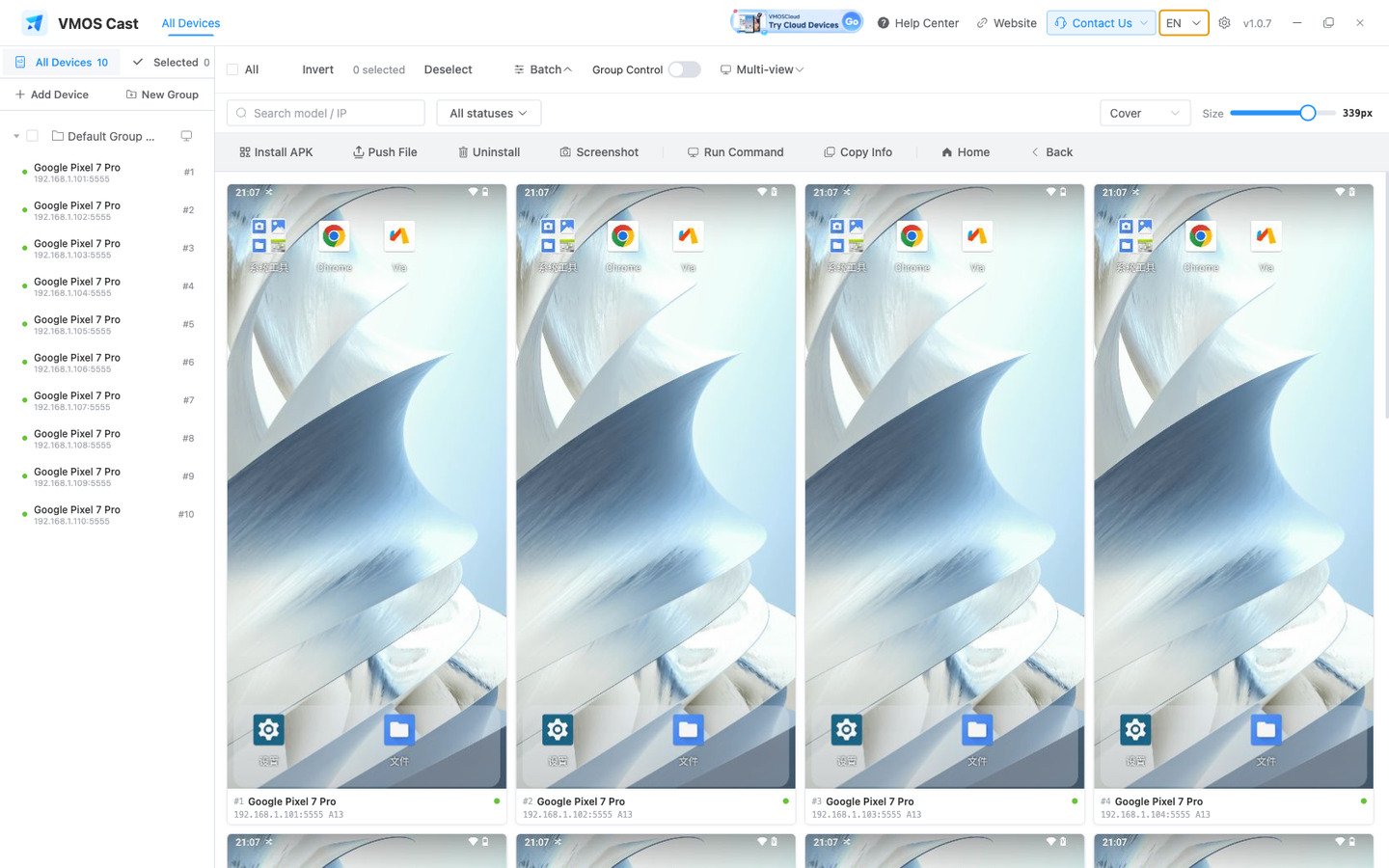
The six things you will use every day. Open a card for the matching chapter.
The client covers all three desktop platforms; devices you cast fall into two families.
From installer to a device you can drive, in about ten minutes.